Manage carriers
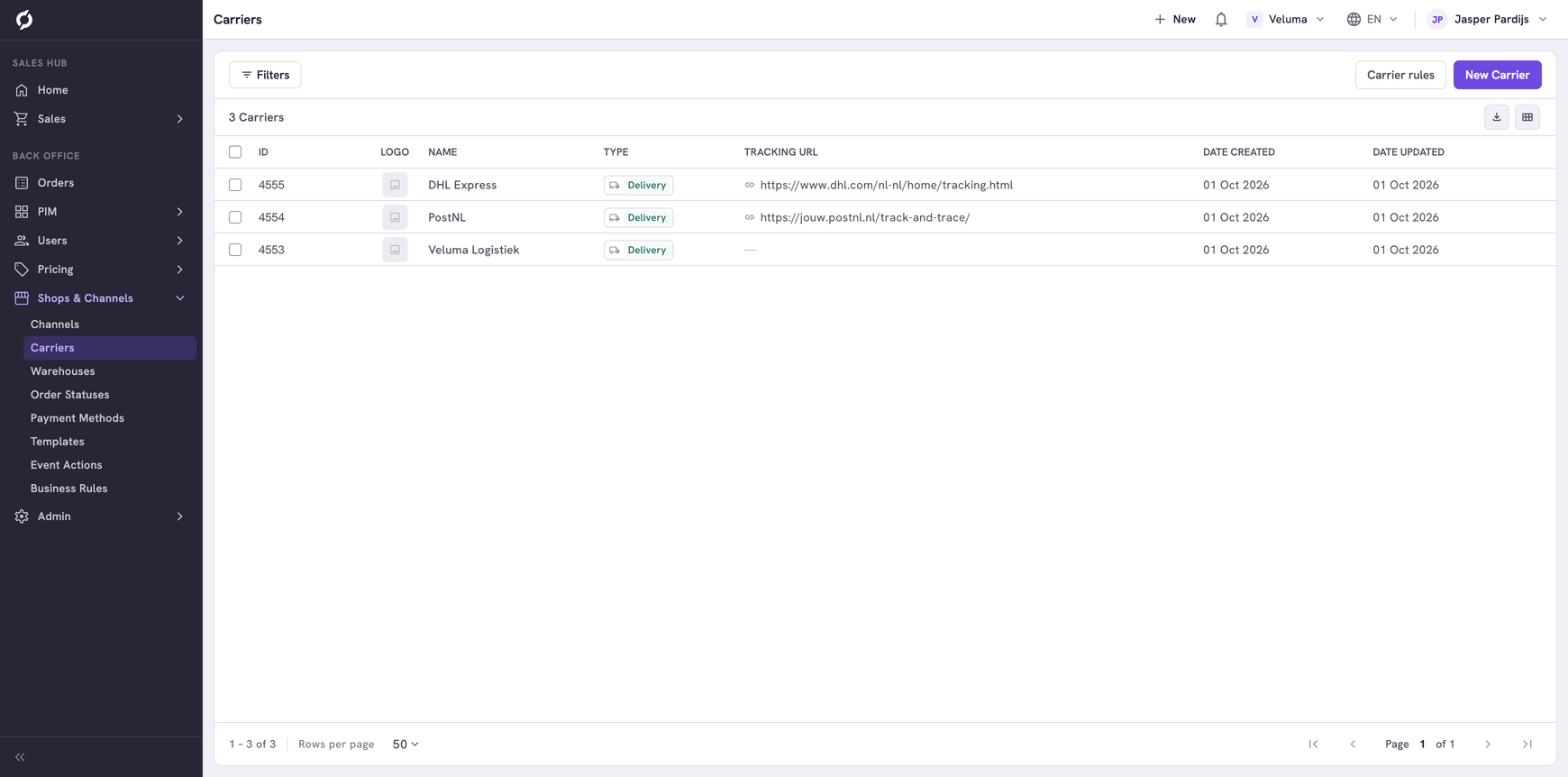
A carrier is a company that delivers your orders, such as a parcel service or your own transport. On this page you add your carriers. A carrier rule decides which of them a customer can pick.
Before you begin
You need Backoffice access and the Logistics role. To create or delete a carrier you need Owner access.
Add a carrier
- Go to Shops & Channels > Carriers and click New Carrier.
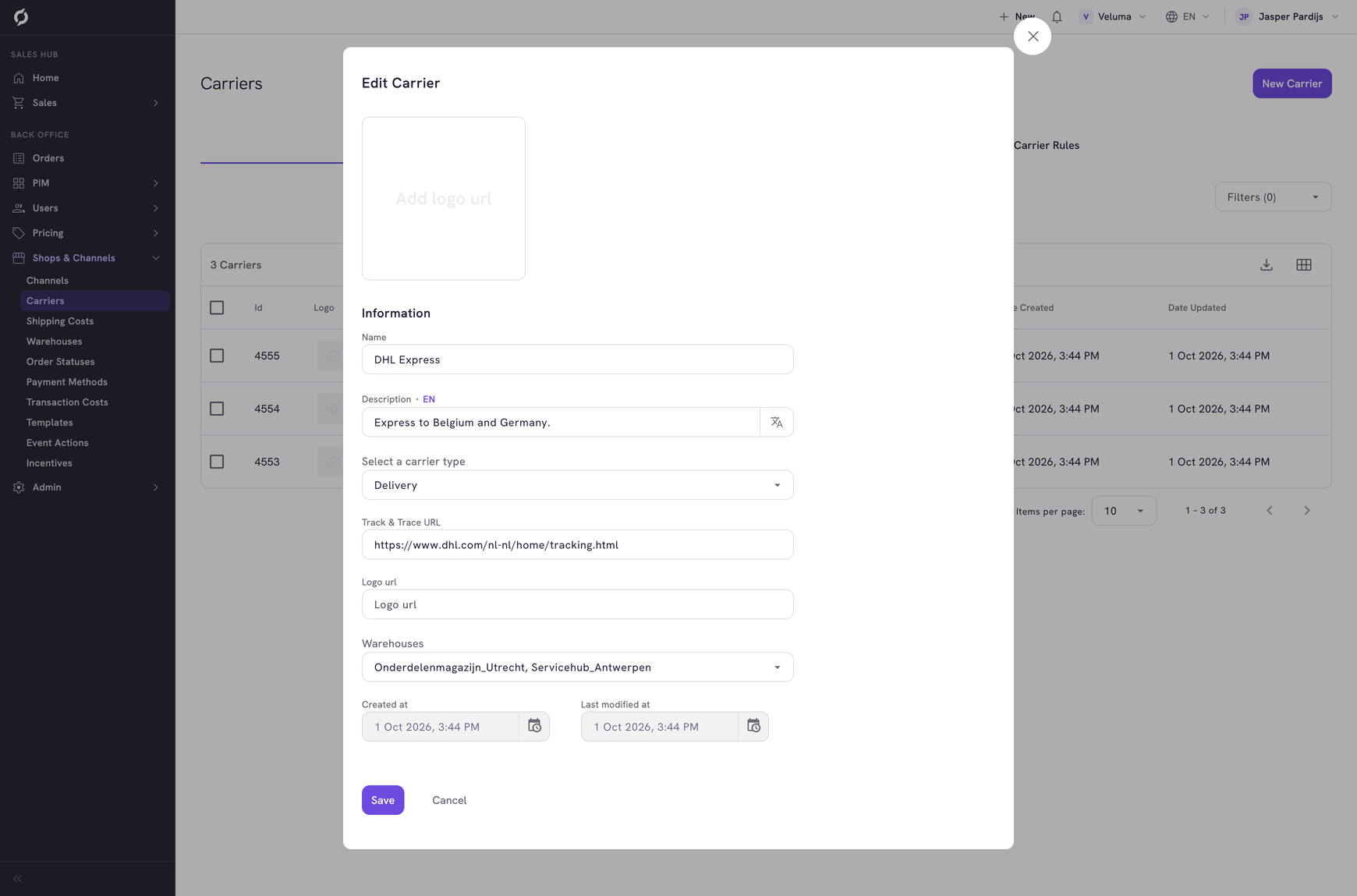
- Fill in the dialog and click Save.
| Field | What it is | Required |
|---|---|---|
| Name | The name customers and sales reps see | Yes |
| Description | A short description, per language | Yes |
| Select a carrier type | The kind of delivery, for example Delivery | No |
| Track & Trace URL | The web address of the tracking page of the carrier. It has to start with https | No |
| Logo url | The web address of the logo. An image of about 200 by 200 pixels works best | No |
| Warehouses | The warehouses and pickup locations this carrier works from | No |
A new carrier cannot be picked yet. A carrier only shows on a quote, an order or in the webshop when a carrier rule makes it selectable.
Decide which carriers a customer can pick
Click Carrier rules above the list. Business Rules opens on the carrier rules, where you decide which carriers a customer can pick and for which orders. See Decide which carriers a customer can pick.
Change or delete a carrier
Click a row in the list to change the carrier. To delete carriers, tick them, click Delete and confirm.
A deleted carrier cannot be brought back. Take it out of the carrier rule as well.