Understand which price a customer gets
A product can have a list price, bulk prices and prices in several price sheets. This page explains which of them a customer pays, so you can predict the price before you set one up.
Follow the four steps
- Propeller takes every price sheet of the customer: the ones assigned to the contact, to their company or to a user group they are in.
- A sheet counts for a product when it holds a discount on that product, on its price group or on its primary category or a category above it. The discount must be valid today and for the quantity ordered.
- When more than one sheet counts, the sheet with the lowest number under Priority wins. If that sheet gives more than one price, the lowest one counts.
- When no sheet counts, the customer pays the list price. From the quantity of a bulk price, they pay the bulk price.
A price sheet goes before the bulk prices of the product, also when a bulk price would be lower.
All prices and discounts exclude VAT.
See it in an example
ECG electrodes have a list price of 18.50 and bulk prices of 16.90 from 10 pieces and 15.40 from 50 pieces. One customer has a price sheet with 10% off the list price.
| Quantity | Customer with the price sheet | Customer without a price sheet |
|---|---|---|
| 1 | 16.65, the list price minus 10% | 18.50, the list price |
| 10 | 16.65, the price sheet goes first | 16.90, the bulk price |
| 50 | 16.65, the price sheet goes first | 15.40, the bulk price |
At 50 pieces this customer pays more than a customer without a price sheet. Give the price sheet its own row with Quantity from 50 if that is not what you want.
Check the price of a real customer
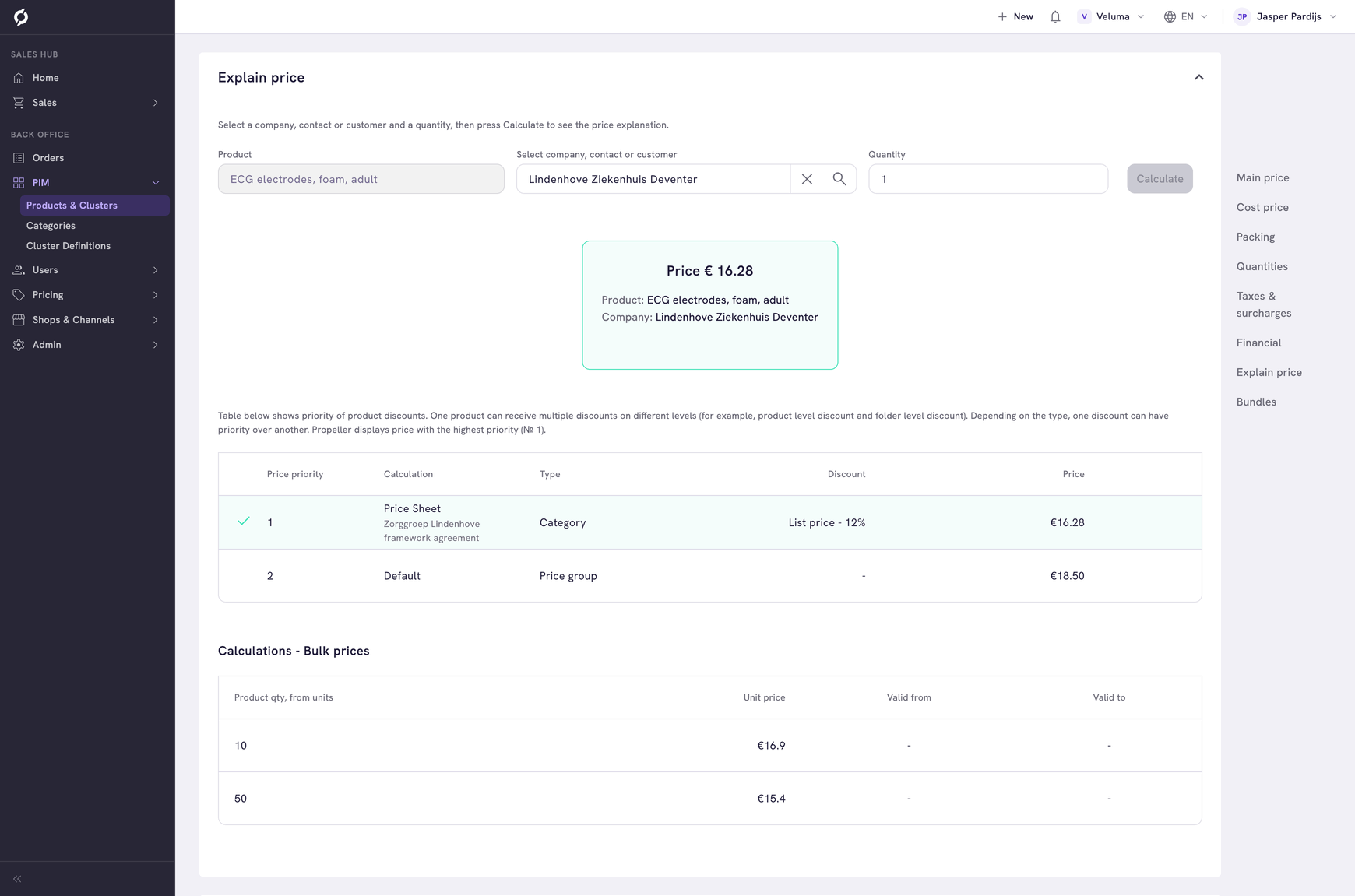
Explain price on a product shows which price a customer gets and from which price sheet. See Check what a customer pays.
Related pages
- Create and manage price sheets
- Set the prices of a product - list price and bulk prices
- Manage the products in a category - why the primary category matters