Manage lists of choices with value sets
A value set is a list of choices behind a field. Your own attributes of the type Enum get their choices from a value set, and so do built-in fields such as the manufacturer of a product, the tag of a company and the payment status of an order.
Before you begin
You need Backoffice access and the Configuration role. To create or delete a value set or an item you need Owner access.
Know the built-in lists
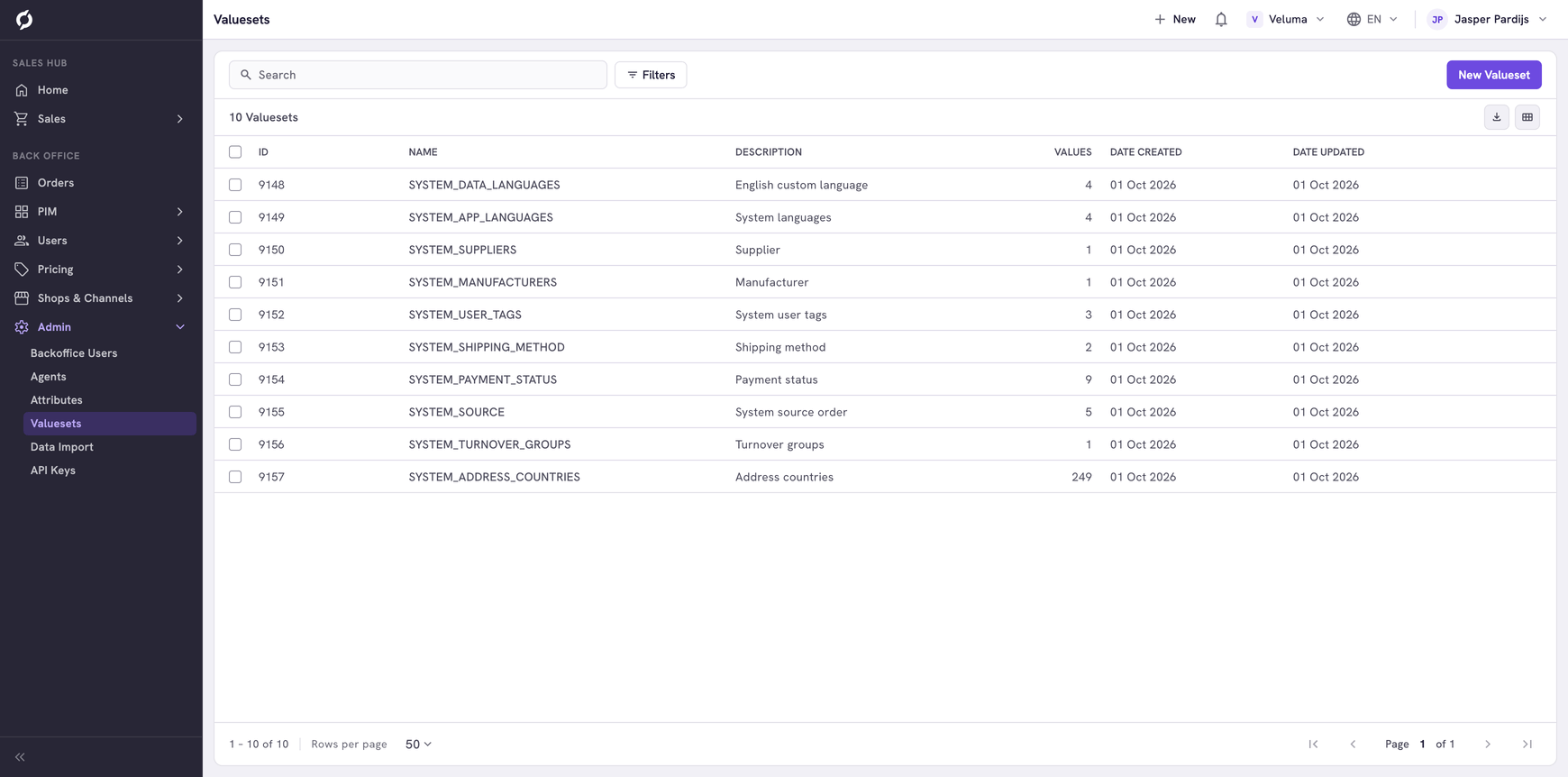
Value sets whose name starts with SYSTEM_ are lists that the screens of Propeller read. You can add, change and remove their items, for example to add a manufacturer. Do not rename or delete such a list, because the screens find it by its name.
| Built-in list | Feeds |
|---|---|
| SYSTEM_MANUFACTURERS, SYSTEM_SUPPLIERS | Manufacturer and Supplier of a product |
| SYSTEM_USER_TAGS | The tag of a company, contact or customer. A price sheet calls it a user group |
| SYSTEM_TURNOVER_GROUPS | The turnover group of a product |
| SYSTEM_PAYMENT_STATUS, SYSTEM_SOURCE, SYSTEM_SHIPPING_METHOD | Payment status, source and shipping method of an order |
| SYSTEM_ADDRESS_COUNTRIES | The countries of an address |
| SYSTEM_APP_LANGUAGES, SYSTEM_DATA_LANGUAGES | The languages in the top bar |
A lock in front of the name marks a value set of the type System. A value set or an item of the type System cannot be changed.
Create a value set
- Go to Admin > Valuesets and click New Valueset.
- Type a Name and a Description.
- Click Save.
The new set is empty. Add its items next.
Add the choices
- Click the value set in the list. Its items open.
- Click New Valueset Item.
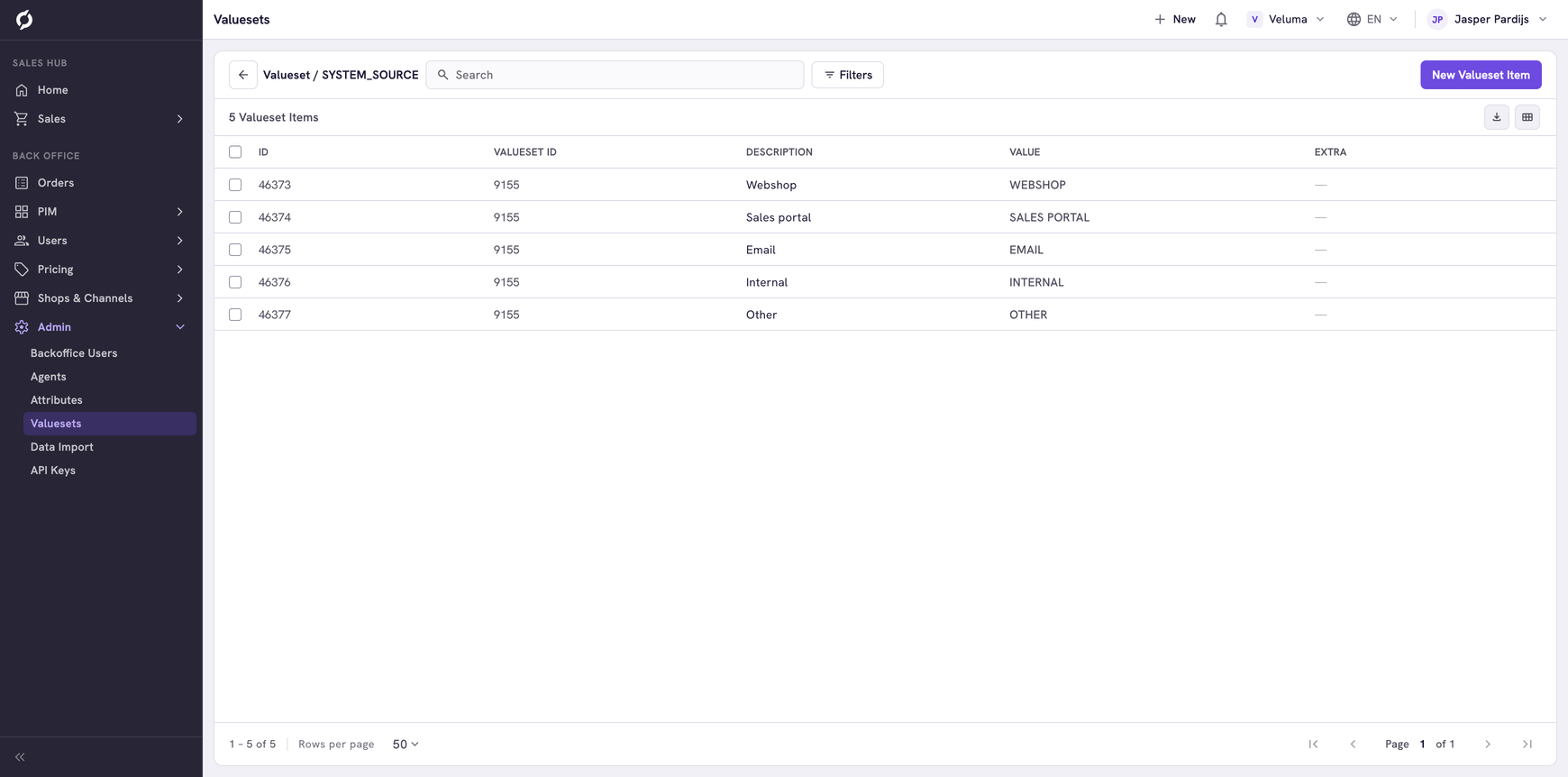
- Fill in the dialog and click Save.
| Field | What it is | Required |
|---|---|---|
| Value | What Propeller stores when someone picks this choice. Keep it short and do not change it once it is in use | Yes |
| Description | What people read in the list, per language | No |
| Extra | A free field for additional information, for a connected system | No |
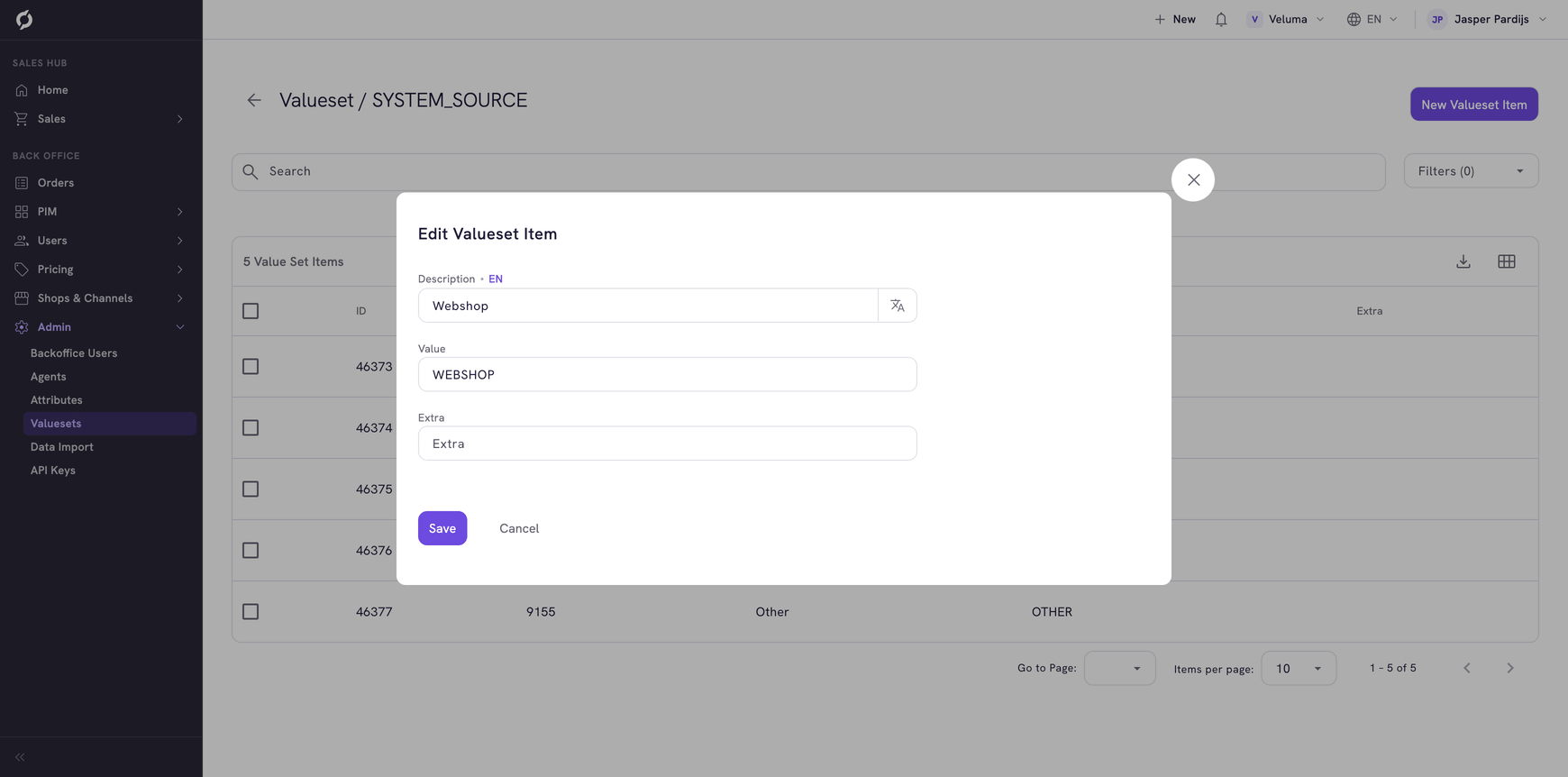
To change an item, click its row. Click Back to list to return to the value sets.
Set the languages of your environment
The two language lists in the top bar are value sets.
| Value set | Holds |
|---|---|
| SYSTEM_APP_LANGUAGES | The languages for menus and buttons, under Interface. Propeller has English, Dutch, French and German |
| SYSTEM_DATA_LANGUAGES | The languages for your content, under Data, such as product names |
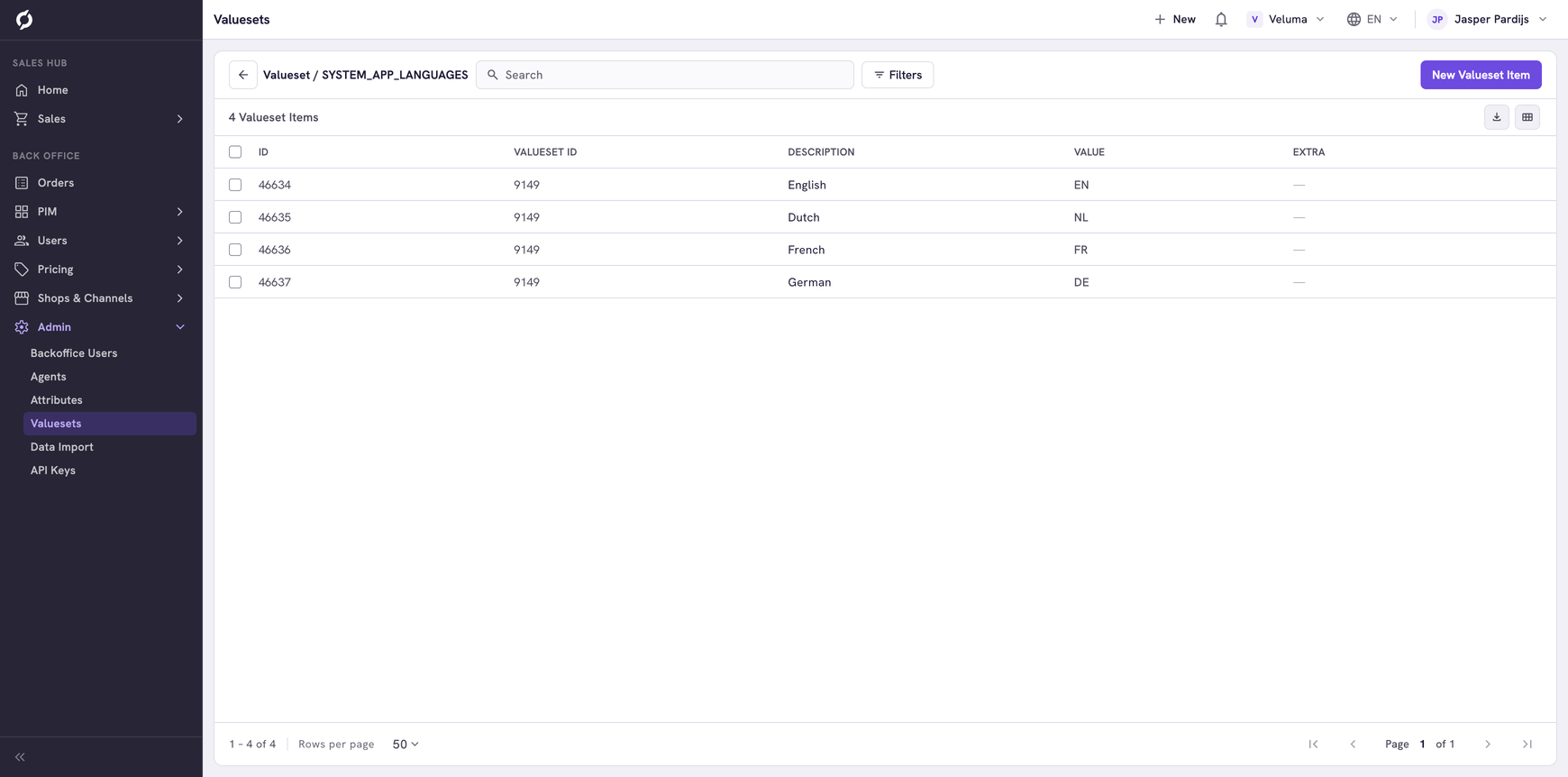
Add or remove an item to change which languages your colleagues can pick. For an interface language that Propeller does not have yet, contact Propeller. See Switch language.
Delete a value set or an item
- Tick one or more value sets, or items inside a set.
- Click Delete and confirm.
Deleting a value set deletes all its items, and it cannot be undone. Fields that used the list lose their choices, so check first that no attribute uses it.
Related pages
- Attributes - use a value set as the choices of a field
- Find your way around - the language lists in the top bar