Control how long an API key stays retrievable
· One min read

When you create an API key you can now decide whether it can be retrieved again afterwards. This release also keeps your chosen search fields when you clear a search term and fixes hyperlinks disappearing from product descriptions.
New Features
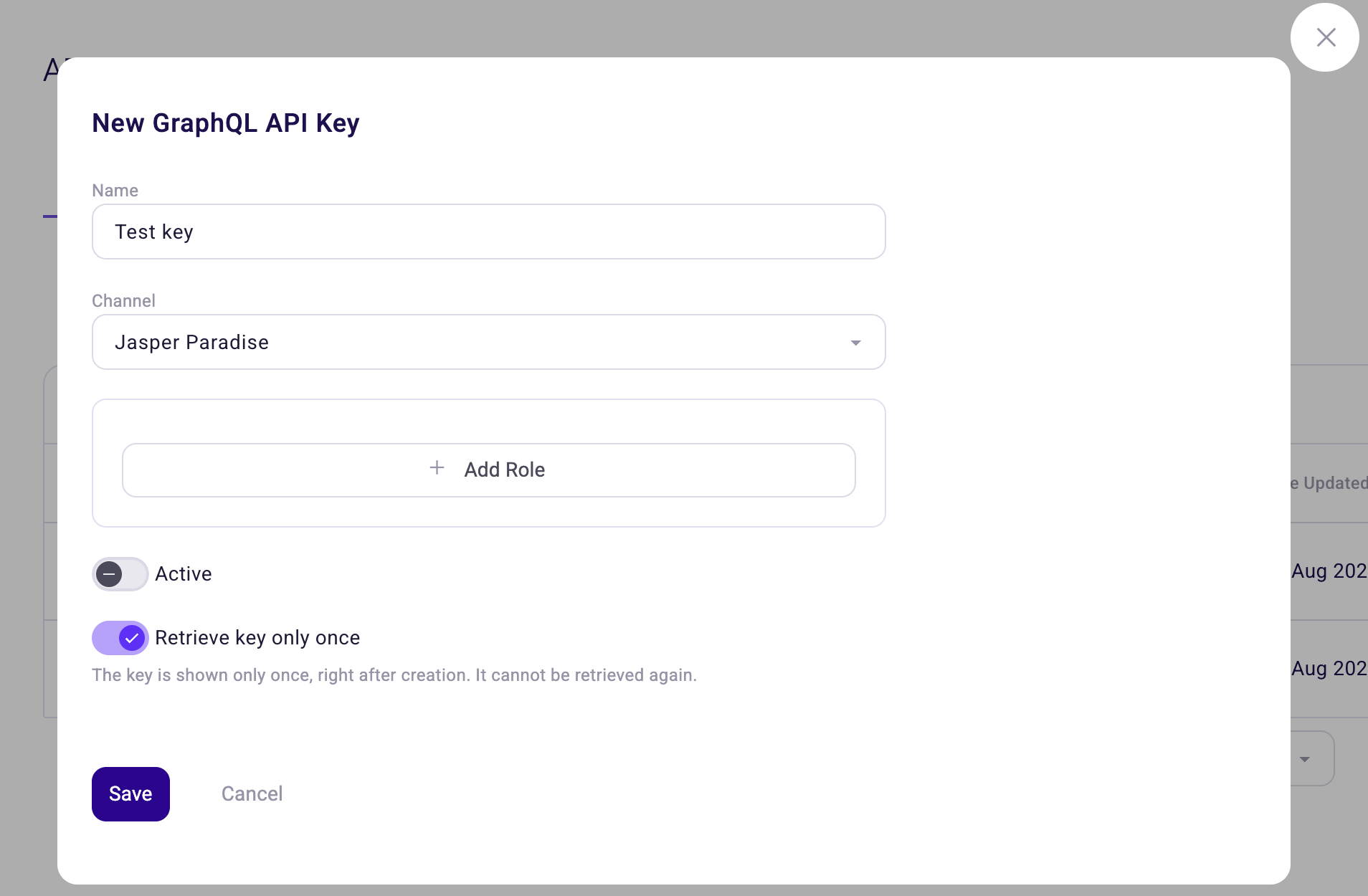
- Retrieve key only once. The API key dialogs have a new Retrieve key only once toggle. With it on, the key is shown only right after you create it and cannot be retrieved afterwards, so copy it somewhere safe before you close the dialog. You can still rename the key, change its roles and switch it off later. See API Keys.
Improvements
- Search fields stay selected. Clearing your search term no longer resets the fields you chose to search in.
Bug Fixes
- The order editor no longer opens with the side menu over it.
- Hyperlinks you add to a product description survive saving.
- Saving an attribute value straight after adding a tag to a text attribute now saves the value and closes the dialog.
- The Dutch label for the developer documentation link reads "Developer documentatie".