Custom attributes on orders and order lines
· 2 min read

You can now define your own attributes for orders and order lines, fill them in from the order editor and show them as columns on the order listings. This release also remembers the environment you were last working in.
New Features
- Attributes for orders and order lines. Go to Admin > Attributes to define your own fields on the new Order and Order item tabs, the same way you already do for products and companies. You can use text, a list of options, whole numbers, decimals with a unit, dates and colours.
- Fill in order attributes from the order editor. A new panel at the bottom of the order editor lists every order attribute with its value, or the default it falls back to. Edit a value there, or use Set to default to clear it again. Pin the ones you use most, up to ten, and they show up as fields in the new Custom Attribute Fields panel under Remarks.
- Order line attributes in the product table. Add order item attributes as columns in the order editor product table through the column editor, up to ten, and fill them in per line. A separate attributes column opens a dialog holding every attribute for that line, for the ones you do not want as a column.
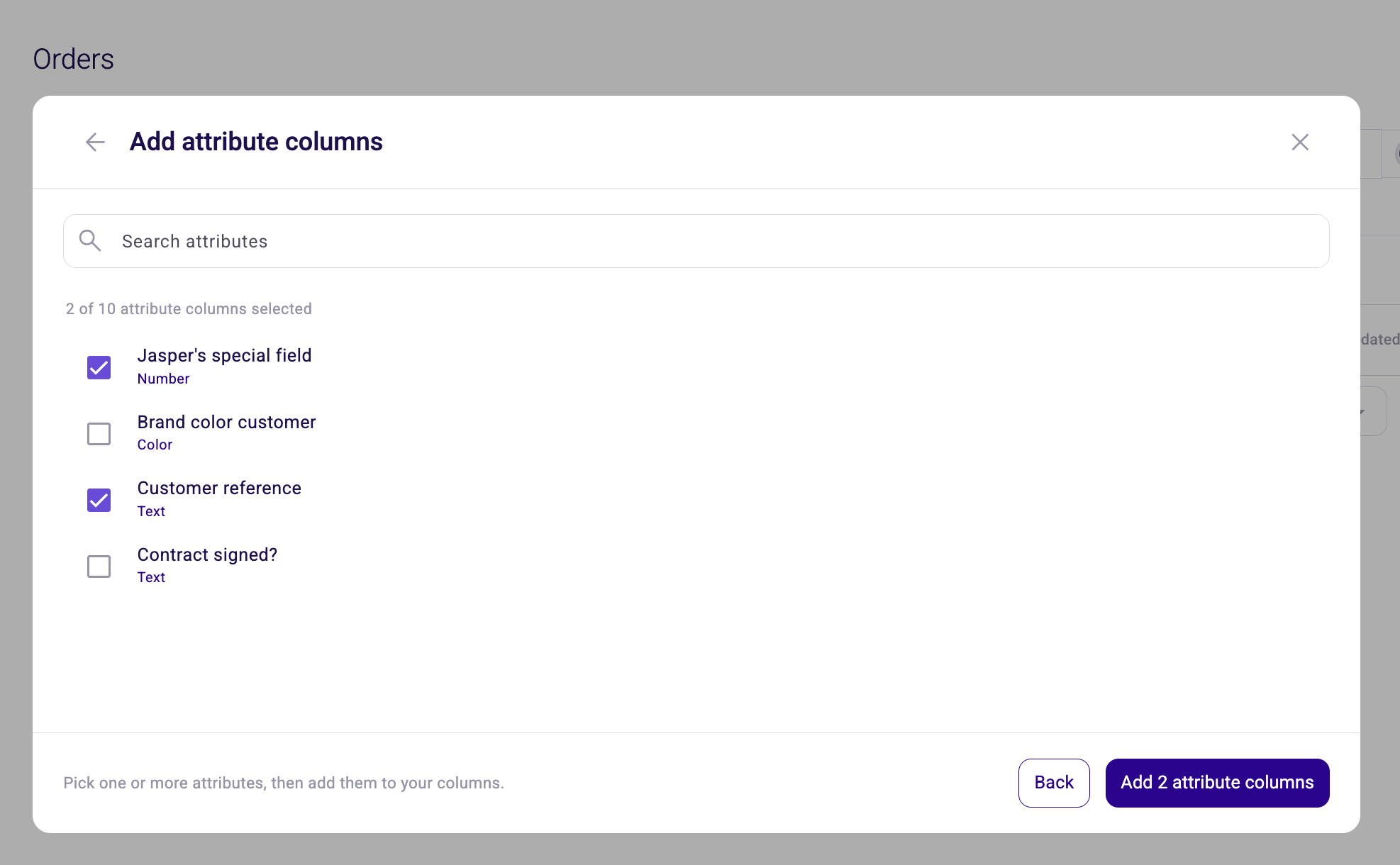
- Attribute columns on the order listings. The order, quote and request listings can show order attributes as columns, and each listing keeps its own set. These columns show values only, so you cannot sort or filter on them.
- Your environment is remembered. When you log back in you land in the environment you were working in before.
Improvements
- A clearer message when an order has no user. Opening an order whose user cannot be found now tells you what is wrong.
Bug Fixes
- The Dutch label in the API key dialogs reads "client secret".