Sign in to Propeller
You sign in to Propeller in your browser, with your email address and a password. One sign-in gives you the Sales Hub and the Backoffice, as far as your roles allow.
Before you begin
You need an account. A colleague who manages the Backoffice users of your company creates it. You then get an invitation by email with a link to set your password.
Sign in
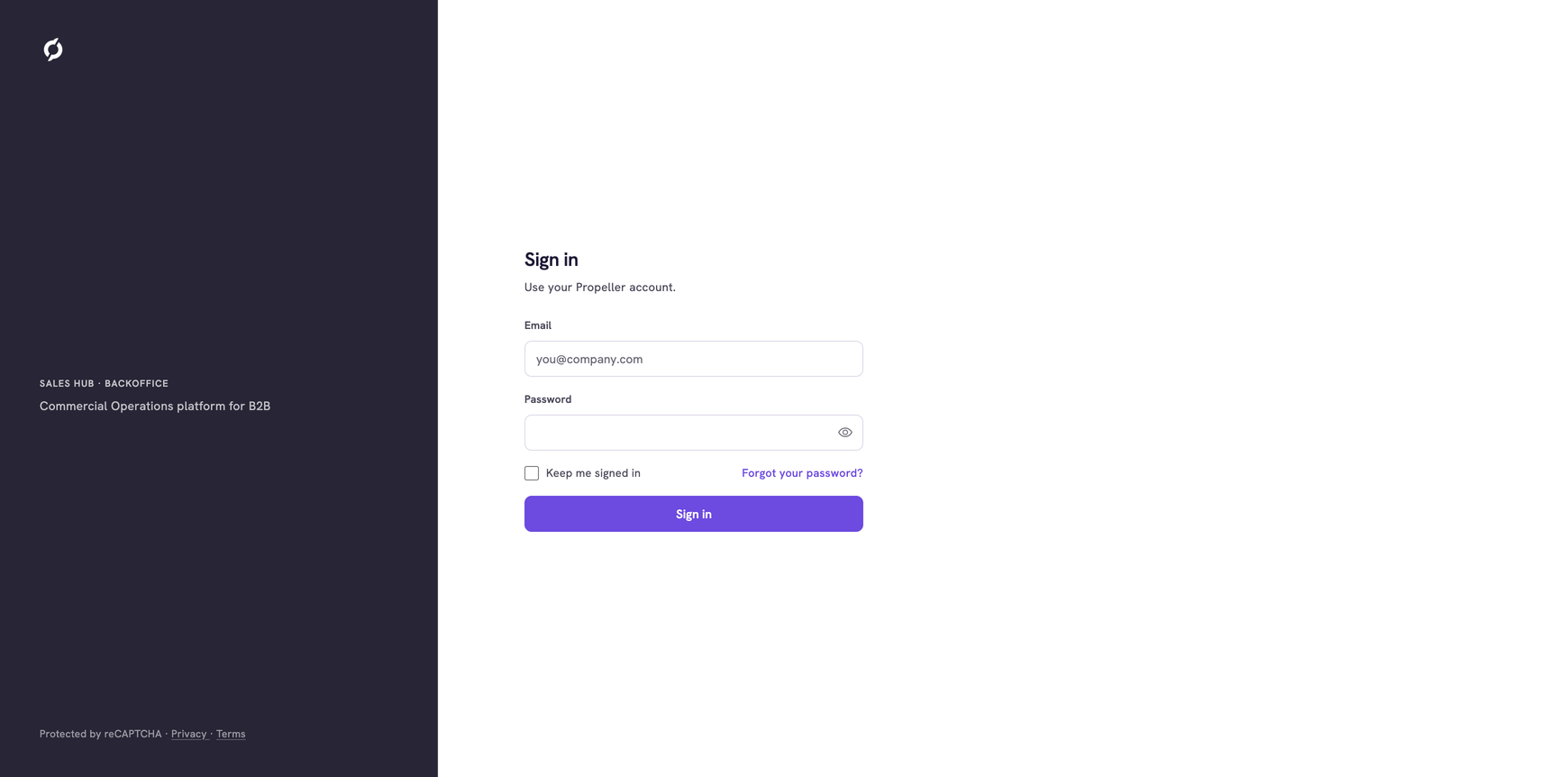
- Open app.helice.cloud in your browser.
- Enter your Email.
- Enter your Password. Click the icon at the end of the field to show what you typed.
- Tick Keep me signed in if you want to stay signed in after you close the browser.
- Click Sign in.
The Home page opens. See Use the Home page.
Enter your code
If two-factor authentication is on for your account, the page Enter your code opens after step 5. Propeller sends a code of six digits to your phone by SMS.
- Type the code in the 6-digit code field.
- Click Verify.
Click Back to sign in to start again. See Enable two-factor authentication to switch the code on.
When signing in fails
A message under the fields says what went wrong. Your email address stays filled in.
| Message | What to do |
|---|---|
| That email and password don't match | Check both and try again, or reset your password |
| Too many attempts | Wait a few minutes, then try again |
| This account is disabled | Ask the colleague who manages your Backoffice users |
| That code didn't match | Check the digits of the SMS and try again |
Reset your password
- Click Forgot your password? on the sign-in page.
- Enter your email address.
- Click Send reset link.
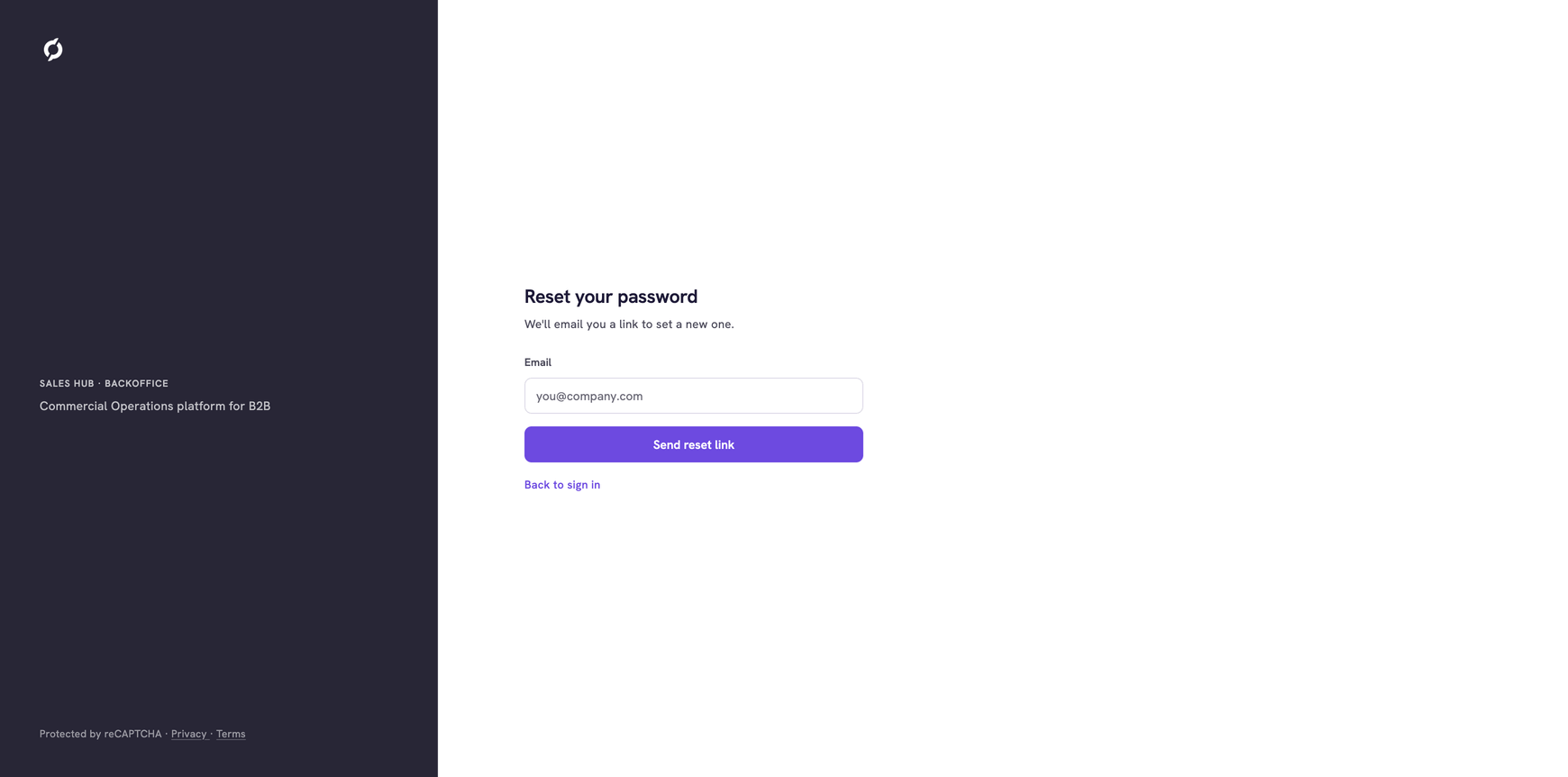
The page shows Check your inbox. An email with a link to set a new password is on its way, if Propeller knows your address.
No email after a few minutes? Check your spam folder and the spelling of your address. If it still does not come, ask the colleague who manages your Backoffice users to send your invitation again. That email also holds a link to set a new password.
Related pages
- Find your way around - the next step for a new user
- Enable two-factor authentication